DTMMODS

PropaineX

Server Lag Watch

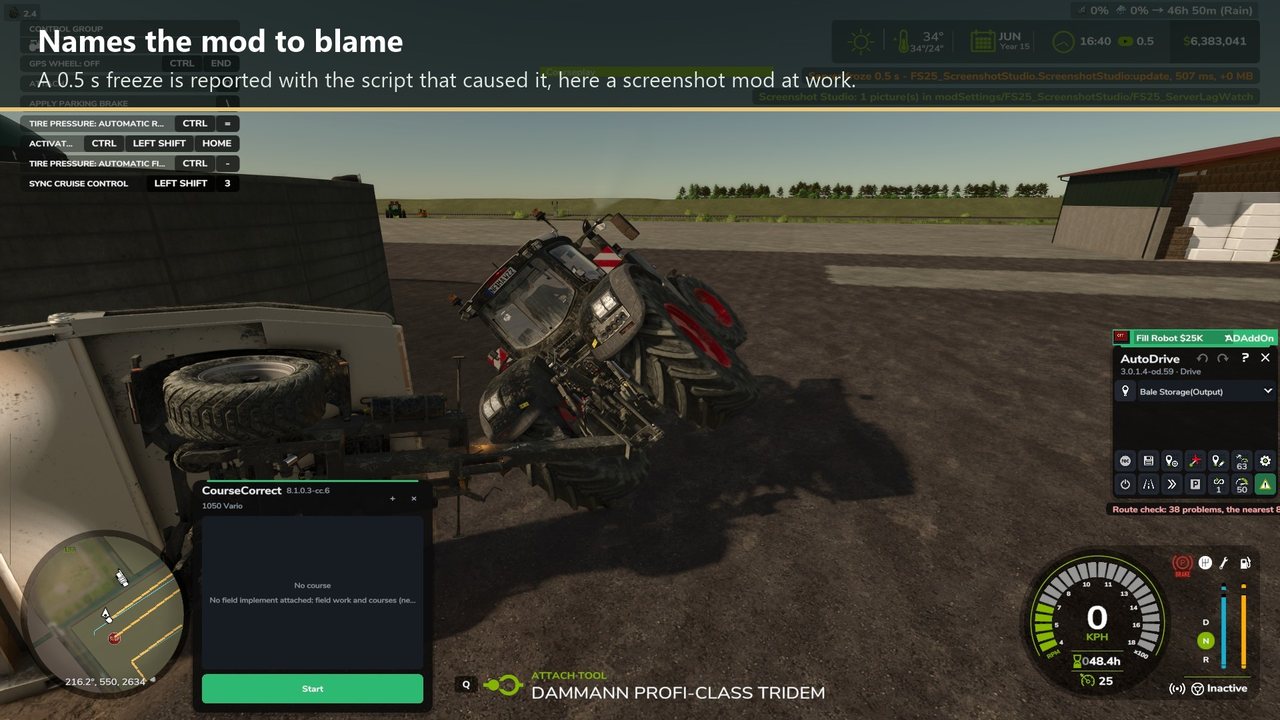
Tells every player when the server freezes and which mod script caused it, and shows when the server is saving.

v1.6.0.0 · · 129 downloads

Install it on the server and on every player's game, all on the same version.

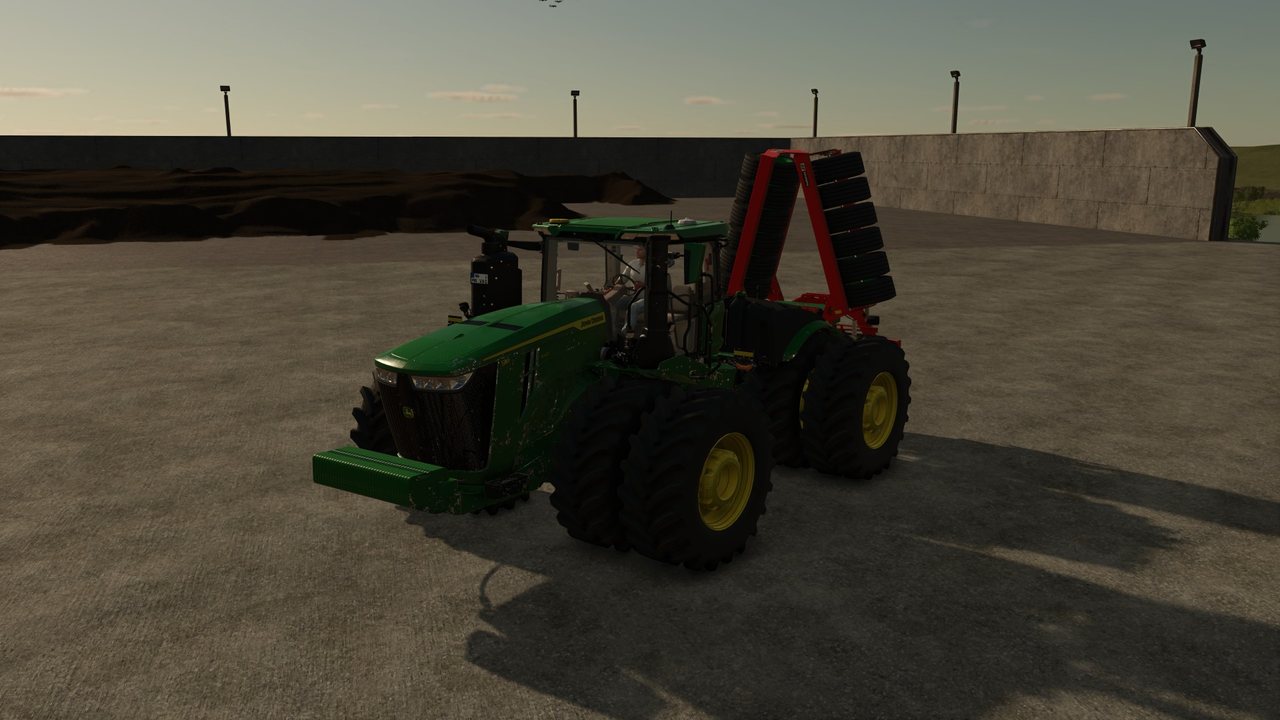
A green John Deere tractor with a red silage roller standing on the concrete floor of a bunker silo at dusk.
3 screenshots

Screenshots

In the game

See it in action

Video

  • Server Lag Watch | Farming Simulator 25 mod: what froze the server, and when it saves | DTM Mods

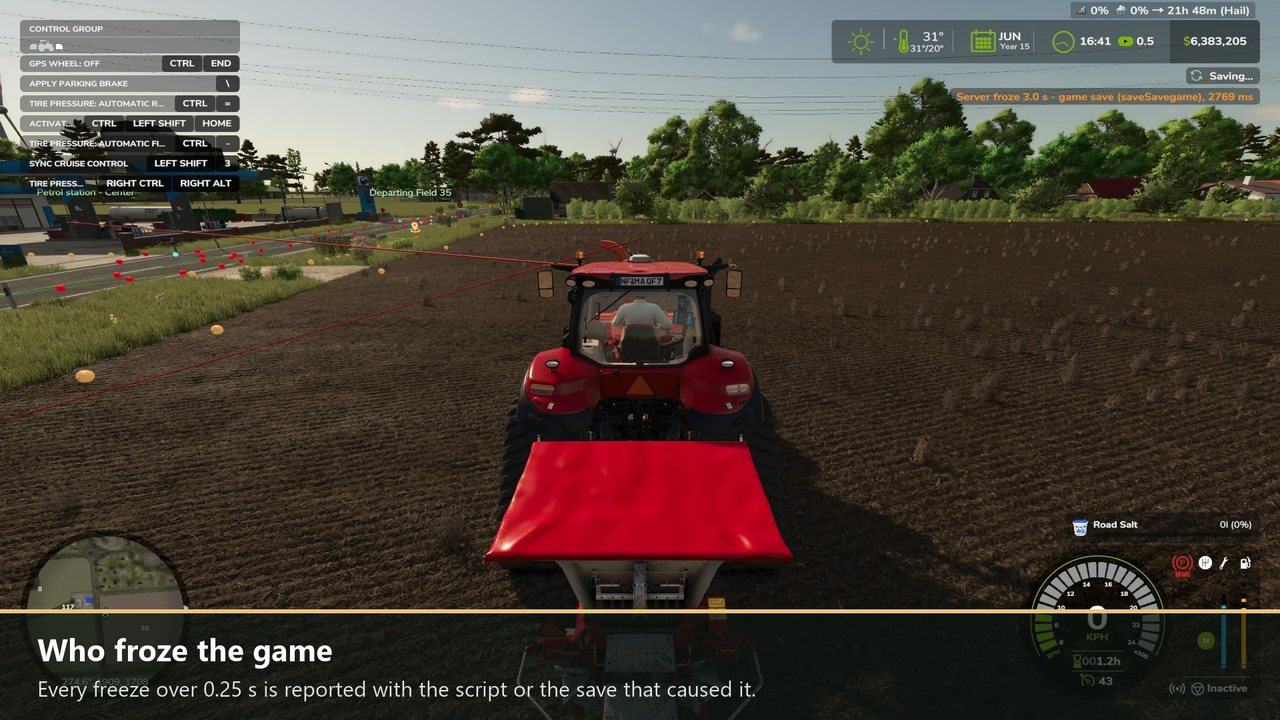
Server Lag Watch finds out which mod freezes your server. When the server stops for longer than a quarter of a second, every player gets a notification with how long it froze and which mod script was the slowest at that moment. The same line goes into the server log, so you can find the cause afterwards.

It also turns off the game's profanity filter, so chat, names and license plates show exactly what was typed. Apart from that it changes nothing in the game: it only measures and reports.

What every player sees

  • Freeze alerts: a notification for every freeze over 0.25 s, with how long it lasted and the mod script or the save that caused it.
  • Who and where: a slow vehicle or placeable is named with its farm, its driver (player, AI helper or no driver) and where it is (field, farmland or off-field). Implements name the driver of the tractor they hang on.
  • SERVER SAVE: every time the server saves, big red "SERVER SAVE" letters in the middle of the screen until the save is done.
  • SERVER LAG WATCH: when the server stops answering for 3 seconds, big red "SERVER LAG WATCH" letters until it answers again.

In the server log

Look for lines starting with [ServerLagWatch]. Freezes are measured in real time, so long stalls are not missed. During a save, slow file writes are logged by file name, plus a save breakdown line: system saves, file writes, everything else and the memory change.

Questions

Questions and answers

Why don't I get a notification for every freeze?

Players get at most one freeze notification every 10 seconds, so a run of freezes doesn't flood the screen. Every freeze still gets its own line in the server log.

What does "outside" mean at the end of a freeze line?

Each freeze line in the server log ends with "Watched scripts: X ms, outside: Y ms". When "outside" is most of the freeze, the engine or untimed base-game code caused it, not a mod.

Why does it say "300 ms in 20 calls"?

Time is added up per script over the whole frame, so many small calls also show. The script with the biggest total is named, with how many calls it took.

Do I see the alerts when I host the game from my own PC?

Yes. Without a dedicated server, the host gets the freeze notifications on their own screen too.

Can I change the 0.25 s limit?

No. The mod has no settings: every freeze over 250 ms is reported.

Downloads

How often it's downloaded

Per version

Downloads of each version on GitHub, newest first. A version counts until the next one comes out, so older ones had longer.

  1. v1.6.0.035
  2. v1.5.0.025
  3. v1.4.0.49
  4. v1.4.0.33
  5. v1.4.0.23
  6. v1.4.0.132
  7. v1.4.0.09

What changed

Version history

Follow this mod's updates (RSS)

v1.6.0.0
  • The profanity filter moved to its own mod, FS25_NoProfanityFilter. Install that one to keep chat, names and license plates unfiltered; this mod no longer touches the filter.
v1.5.0.0
  • Freeze lines no longer say "unknown" just because no single call took 40 ms: time is now added up per script across the whole frame, and the script with the biggest total is named with its call count (for example "300 ms in 20 calls"). Time spent inside other timed calls is not counted twice.
  • The game's own updateables, systems and managers (environment, AI, vehicles, placeables, missions and more), and mod updateables, are now timed too, named "base game: Class:update" or "mod FS25_X: Class:update".
  • Every freeze line now ends with "Watched scripts: X ms, outside: Y ms". When "outside" is close to the freeze time, the engine or untimed base-game code caused it, not a mod.
v1.4.0.4
  • Description in GIANTS' ModHub layout (category, price, upkeep or hotkeys at the top).
v1.4.0.3
  • Updated for the current game version: modDesc descVersion 116 (the game build of 2026-10-27; GIANTS TestRunner 0.9.24 accepts only 116).
v1.4.0.2
  • Meets the GIANTS ModHub checks (TestRunner): textures, icon and modDesc brought up to date.
  • Errors are no longer hidden: they show in the log.
v1.4.0.1
  • The author now shows as DTM Mods, PropaineX in the mod list.
v1.4.0.0
  • Slow vehicle and placeable calls now say who is responsible: farm name, driver (player, AI helper or no driver) and where it is (field, farmland or off-field).

Install on the server and on every player's game. Full history in PATCH_NOTES.md.