DTMMODS

Fennell

Deployables Anywhere

Place buildings, decorations, fences and trees where the game says no, without flattening the ground, and position them precisely.

v1.1.2.5 · · 502 downloads

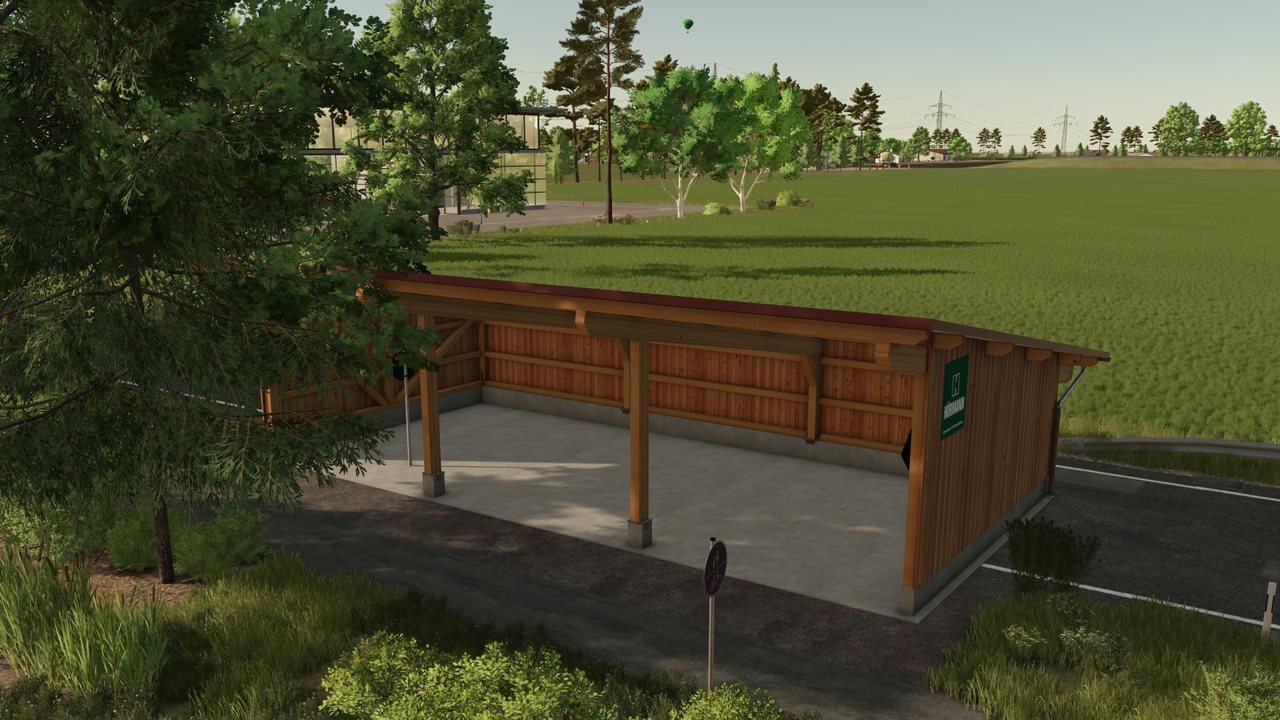
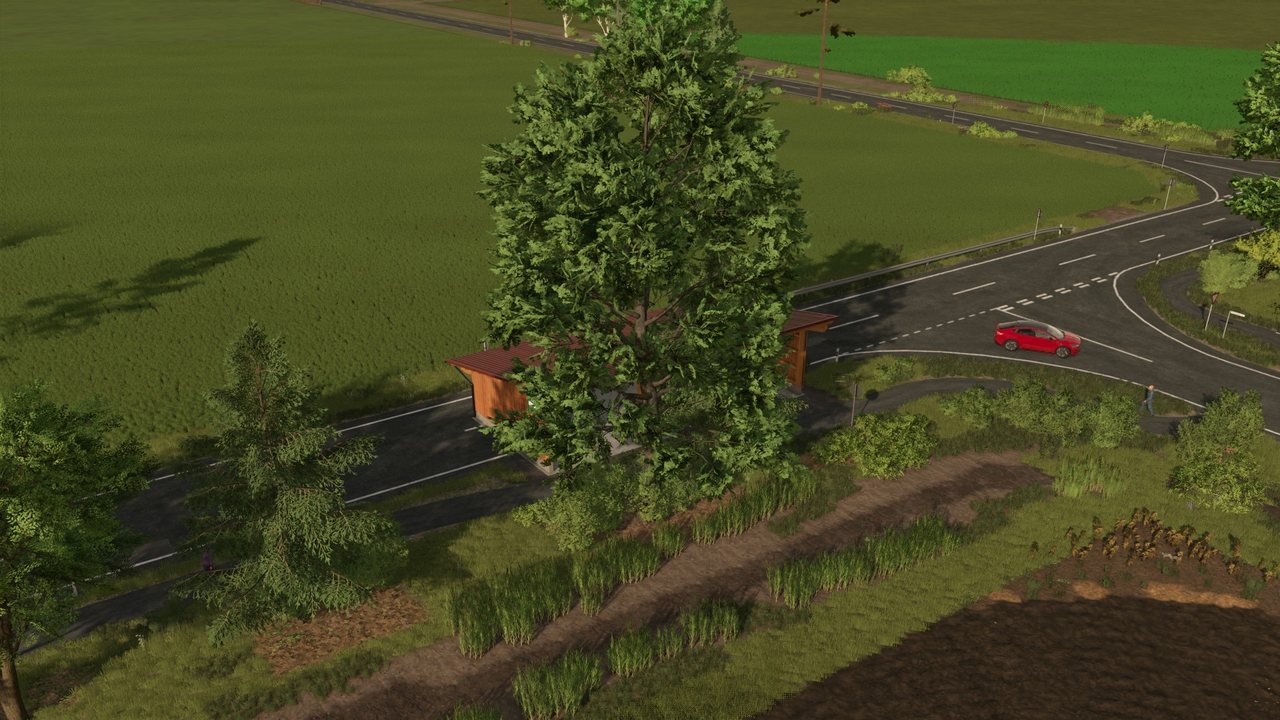
An open wooden garage with a Hörmann sign standing on a narrow strip between trees and a road.
4 screenshots

See it in action

Video

  • Deployables Anywhere | Farming Simulator 25 mod: place it where the game says no | DTM Mods

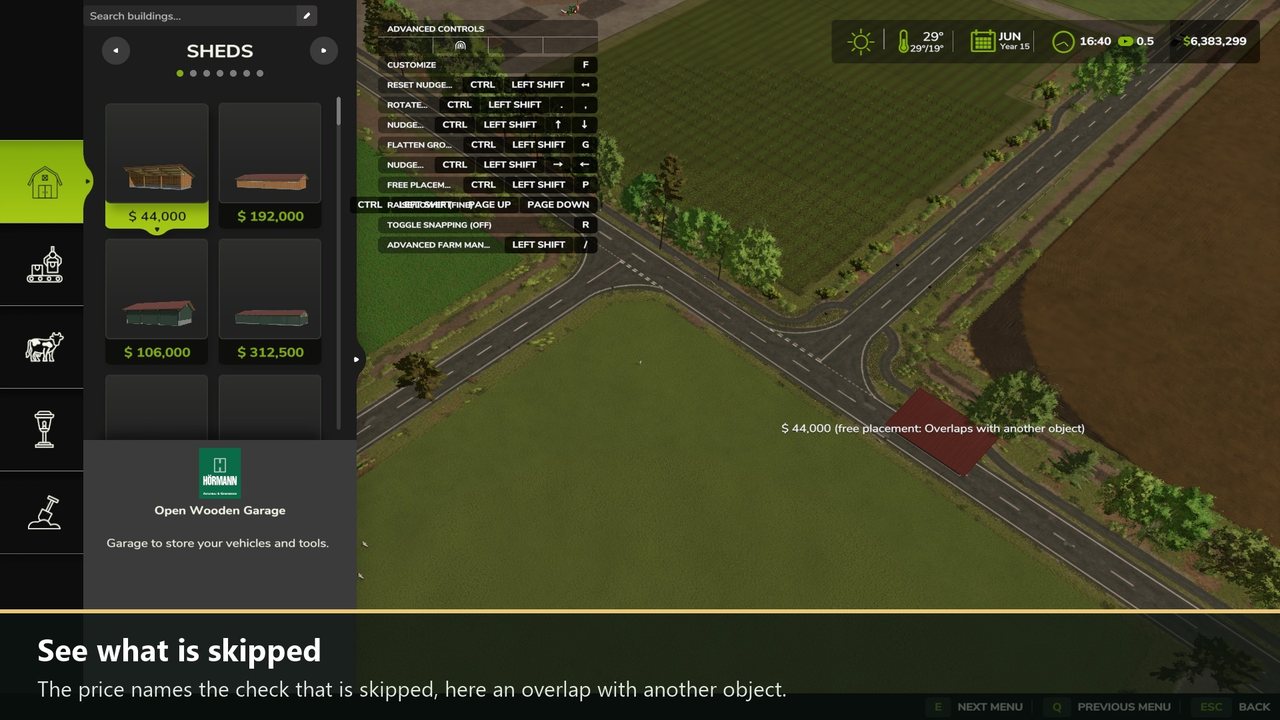
Deployables Anywhere lifts the placement limits of construction mode. You can put buildings, decorations, fences and trees on land you don't own, over other objects, in water or in restricted areas, and place items without flattening the ground.

Free placement is off by default, so nothing changes by accident: you switch it on with a key when you need it. Keys for nudging, raising and rotating let you set buildings and decorations exactly where you want them.

Free placement (Ctrl+Shift+P)

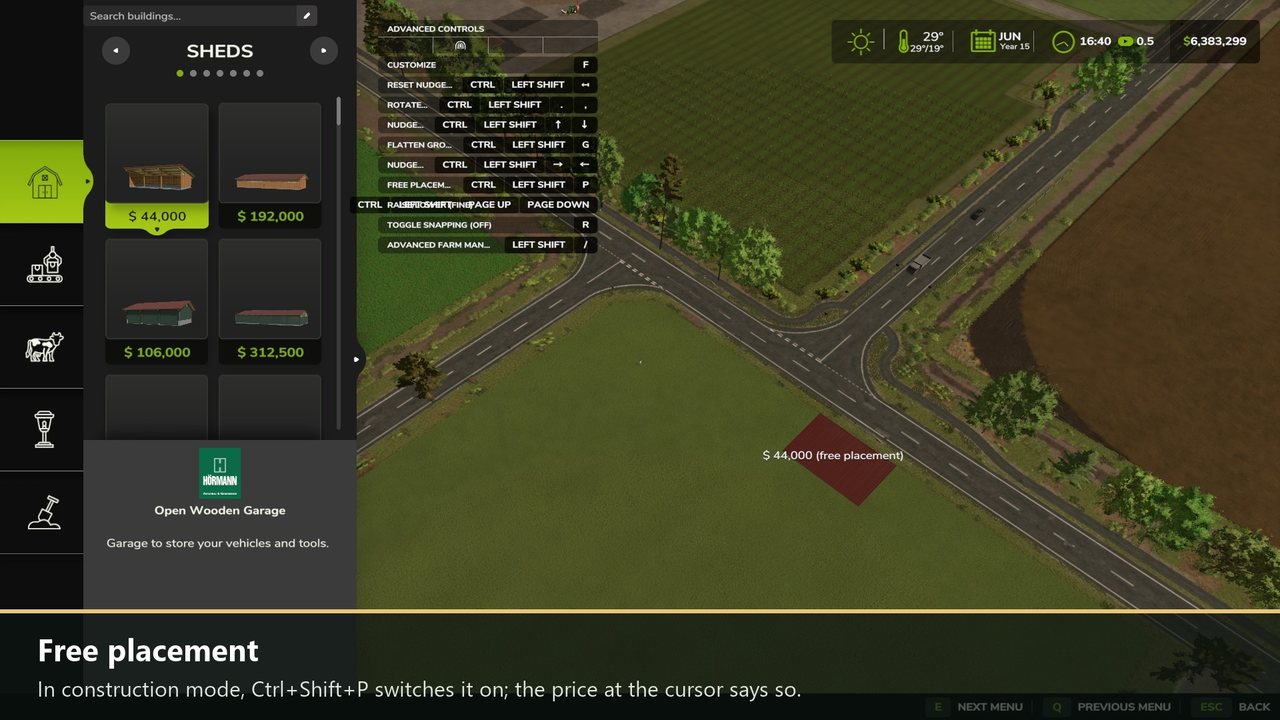
In construction mode, pick an item and press Ctrl+Shift+P; the F1 help shows whether it is on. While it is on, these checks are skipped:

  • land you do not own
  • overlap with other objects
  • restricted, shop and spawn areas
  • water
  • the item's own "cannot be placed here" check
  • blocked terrain leveling (the item is placed without flattening the ground)

What is still checked

Money, building slots, your farm's build permission, and items that cannot be bought. The price at the cursor names the check that is skipped, for example "(free placement: Land is not owned by you)".

Precise positioning

For buildings and decorations. Hold a key to repeat. Everything resets when you pick another item or leave construction mode.

  • Ctrl+Shift+G: place without flattening the ground (no leveling cost). Items on slopes keep the natural terrain.
  • Ctrl+Shift+Arrow keys: nudge the item 10 cm away from or toward the camera, or left and right. The first nudge locks the item in place, so the mouse no longer moves it.
  • Ctrl+Shift+PageUp / PageDown: raise or lower 5 cm, without limit. Raised or lowered items are placed without flattening.
  • Ctrl+Shift+Comma / Period: rotate 1°.
  • Ctrl+Shift+Backspace: reset nudge, height and rotation.

Selling

Your farm's buildings, decorations and fences can always be sold in construction mode (demolition mode, B), also on land you do not own. No key needed. Items of other farms and of the map cannot be sold. Removed fence segments and panels are refunded at what they cost to build; the base game pays nothing back for fences.

Changing the keys

All keys can be changed in Settings > Controls.
Questions

Questions and answers

Why is free placement off again?

It switches itself off every time you leave construction mode, and so does placing without flattening. Press Ctrl+Shift+P again the next time you need it.

Can I use it with a controller?

Yes, but the keys have no controller buttons by default. Set them under Settings > Controls.

Can I nudge and rotate fences and trees too?

No. Free placement works for fences and trees, but nudging, raising, rotating and placing without flattening are only for buildings and decorations.

Can every player on a server use free placement?

Yes. Each player switches it on in their own construction mode. Money, building slots and your farm's build permission still count for everyone.

Downloads

How often it's downloaded

Per version

Downloads of each version on GitHub, newest first. A version counts until the next one comes out, so older ones had longer.

  1. v1.1.2.557
  2. v1.1.2.420
  3. v1.1.2.33
  4. v1.1.2.2389
  5. v1.1.2.110
  6. v1.1.2.05

What changed

Version history

Follow this mod's updates (RSS)

v1.1.2.5
  • Description in GIANTS' ModHub layout (category, price, upkeep or hotkeys at the top).
  • New mod icon in the ModHub standard.
v1.1.2.4
  • Updated for the current game version: modDesc descVersion 116 (the game build of 2026-10-27; GIANTS TestRunner 0.9.24 accepts only 116).
v1.1.2.3
  • Meets the GIANTS ModHub checks (TestRunner): textures, icon and modDesc brought up to date.
  • Errors are no longer hidden: they show in the log.
v1.1.2.2
  • The author now shows as DTM Mods, Fennell in the mod list.
v1.1.2.1
  • New mod icon in the DTM Mods style. Nothing else changed.
v1.1.2.0