F1 Toggle | Farming Simulator 25 mod: your F1 box, your way | DTM Mods
The F1 help box lists every key you can press right now, and with mods like AutoDrive and Courseplay that list gets long. F1 Toggle lets you choose which entries show in it.
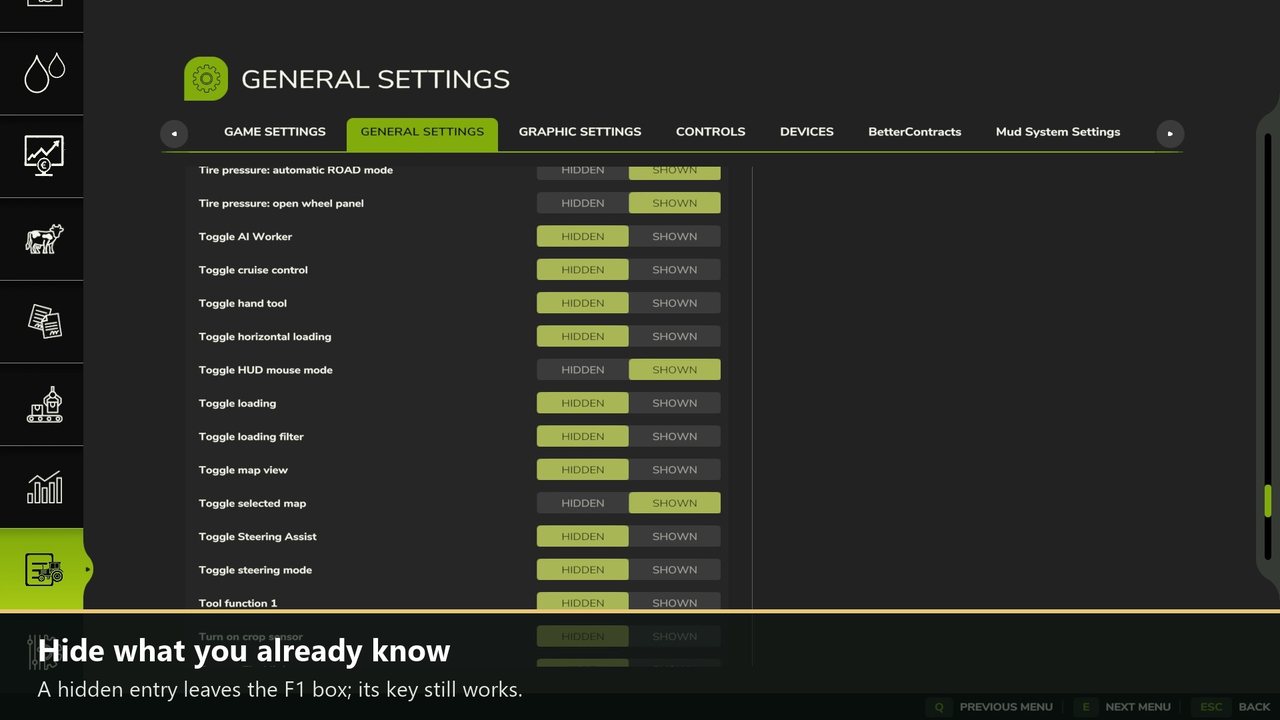
Hiding an entry only takes it out of the F1 box. The key itself still works.
How to use it
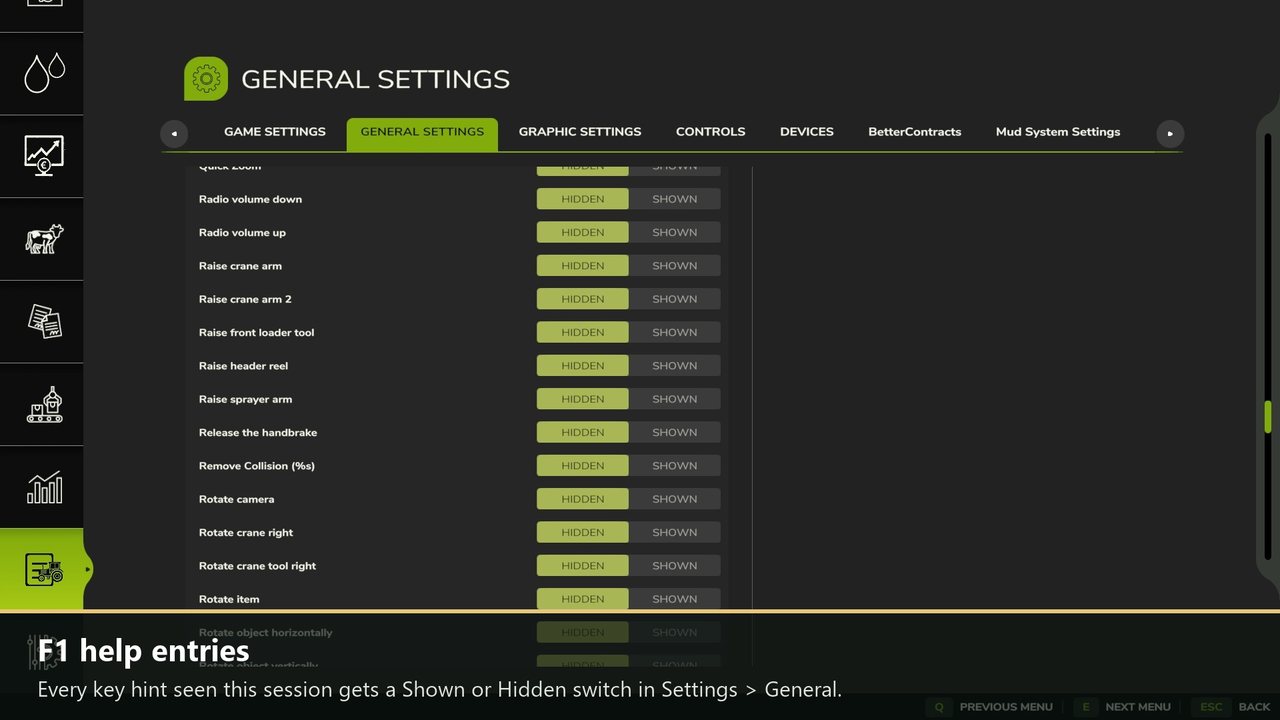
Open ESC > Settings > General and scroll to F1 help entries.
Every key hint seen this session is listed there, from the base game and from mods.
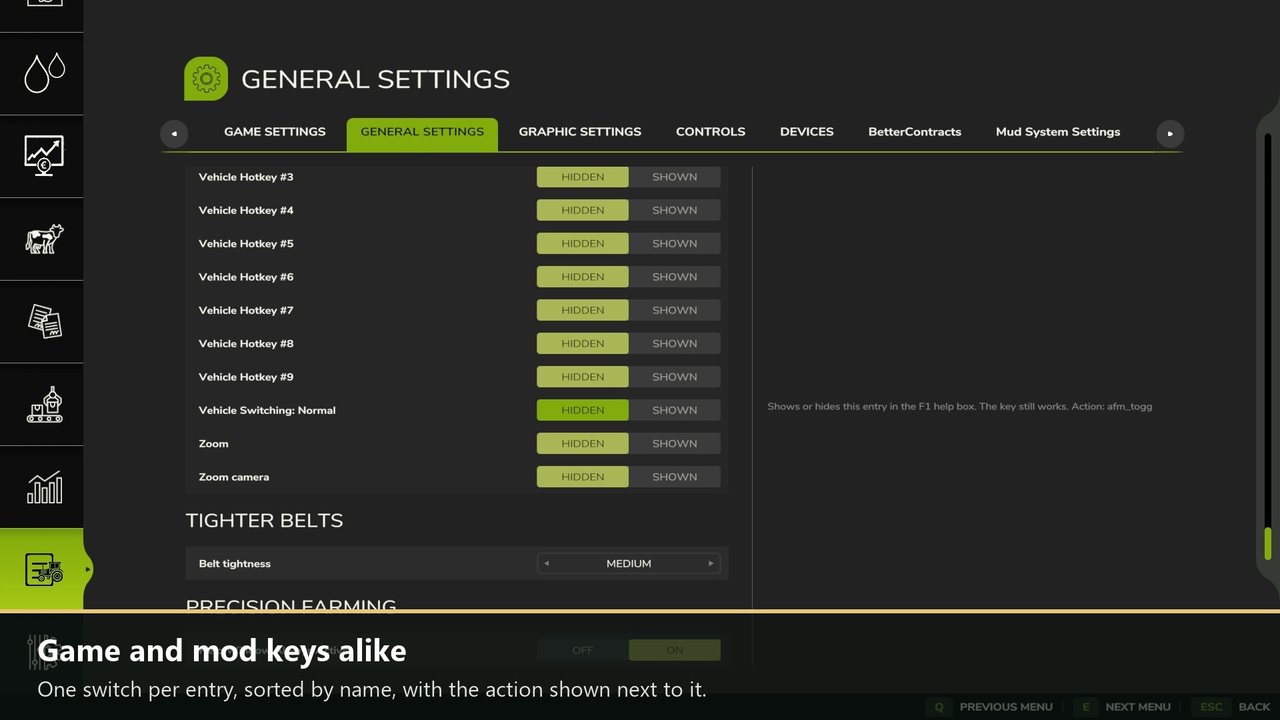
Each entry has its own Shown / Hidden switch, sorted by name, with the action shown next to it.
Set an entry to Hidden and it is gone from the F1 box.
Kept for all savegames
Your choices are kept for all savegames in modSettings/FS25_F1Toggle/F1Toggle.xml. That file also lists every entry seen so far, so you can set hidden="true" there too.
Console commands
f1tList lists the entries.
f1tShowAll shows everything again.
Questions
Questions and answers
Why isn't a key in the list?
The list only has key hints that came up this session, plus the ones you've hidden. Get into the vehicle or the situation where the key shows in the F1 box once, and it is listed.
Does hiding an entry hide it for other players too?
No. Your choices are saved on your own computer, so every player picks their own.
Can I switch entries from ModMux?
Yes. With ModMux installed, every listed entry is also a switch on its LIVE tab, called "F1 box: <entry>" (On = shown). It changes the same setting as ESC > Settings > General.
Downloads
How often it's downloaded
Over time
All downloads on GitHub and itch.io, counted once a day.
Per version
Downloads of each version on GitHub, newest first. A version counts until the next one comes out, so older ones had longer.
With ModMux installed, every F1 help entry listed in the settings is also an instant switch on ModMux's LIVE tab ("F1 box: ", On = shown). It changes the same setting as ESC > Settings > General.