
DTMMODS

Fork of Courseplay by the Courseplay devTeam

Courseplay

Courseplay with the CourseCorrect panel: a live course map, a fleet list, "Call truck" for combines and AutoDrive hand-off for unloaders.

v8.1.0.3-cc.7 · · 86 downloads

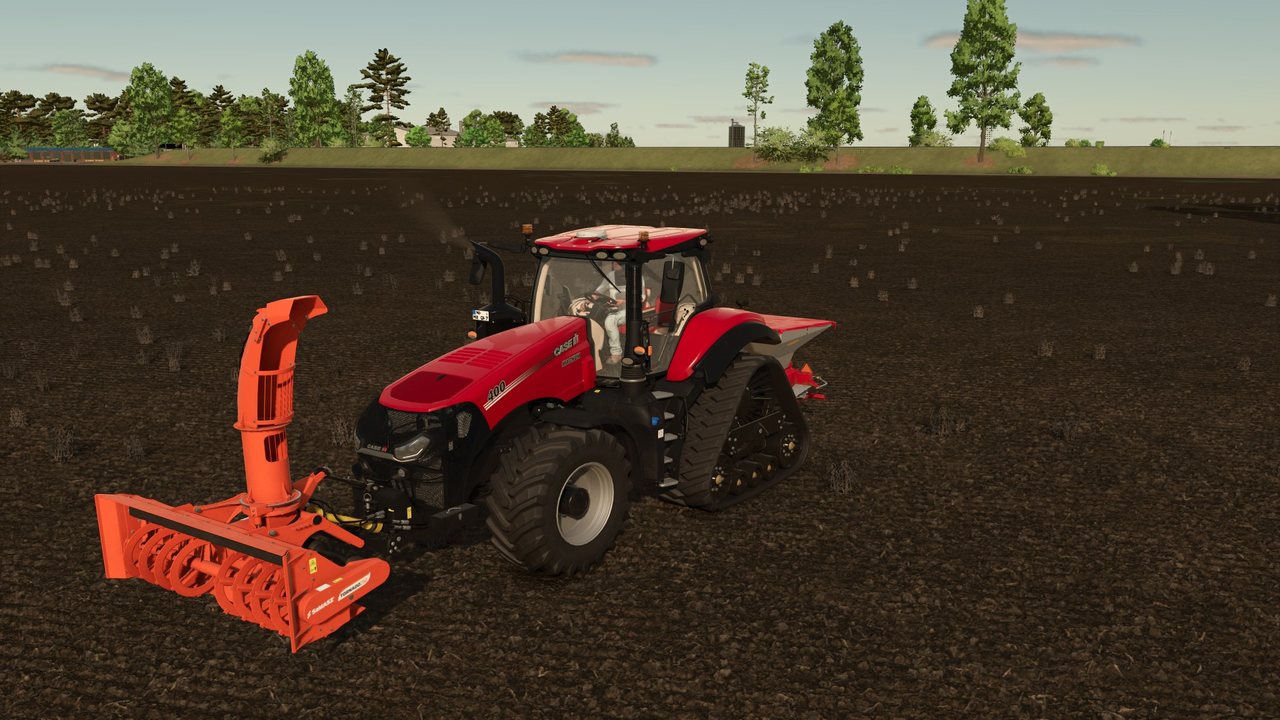
A red Case IH Magnum tractor with a front snow blower and a rear spreader standing on a cultivated field.
6 screenshots

See it in action

Video

  • CourseCorrect | Farming Simulator 25 mod: Courseplay, corrected | DTM Mods

Courseplay is the long-running automation mod by the Courseplay dev team: it generates courses and lets helpers do fieldwork, harvest and unload, collect bales and work bunker silos. All of that is the work of the Courseplay dev team and stays as they ship it.

This edition adds the CourseCorrect panel, a compact in-game panel that replaces the stock Courseplay HUD, plus a few helper fixes: harvesters that never unload into each other, helpers that drive through what blocks them, and a row overlap setting for the course generator.

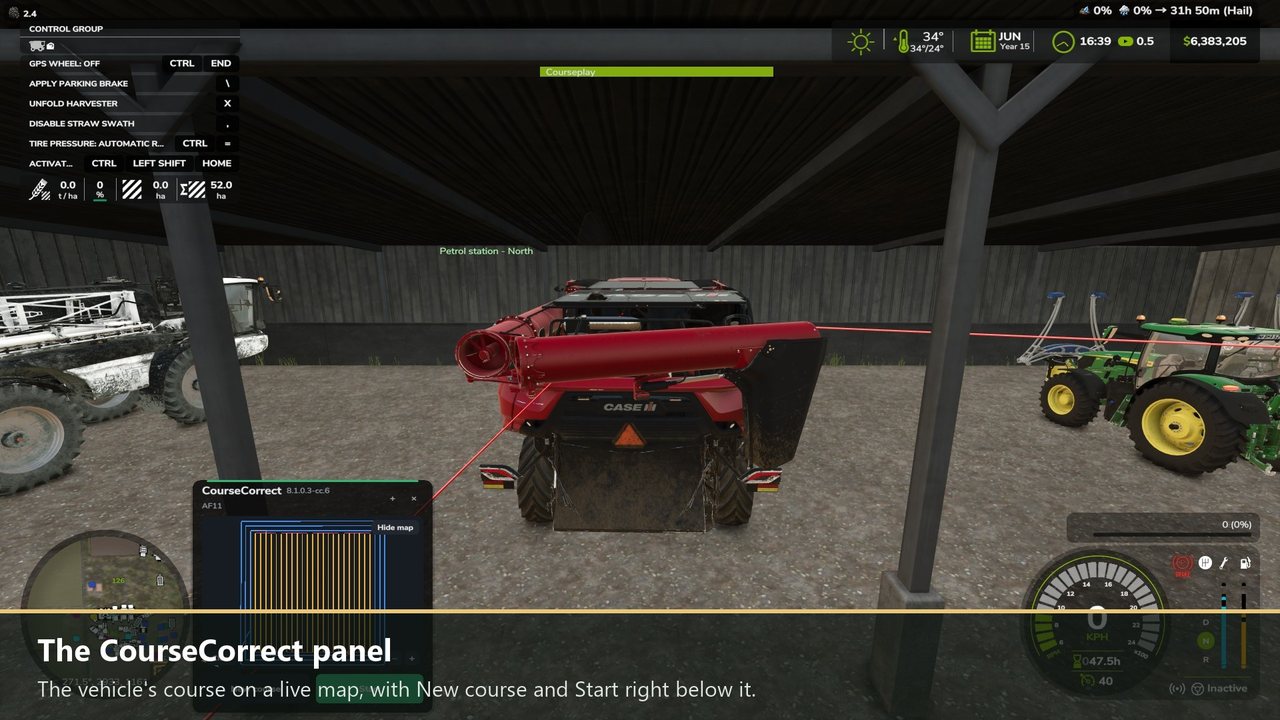
Version numbers read like 8.1.0.3-cc.6: the first part is the Courseplay release this edition is built on, the number after cc. counts the CourseCorrect builds on it. The panel shows it next to its title.

The CourseCorrect panel

  • Course tab: the vehicle's course on a live map, progress with time left, the others working the same field as arrows, work width, field margin, row overlap and tool offset (it shows the automatic plow offset).
  • Finish time: the game clock when the course will be done, next to the time left.
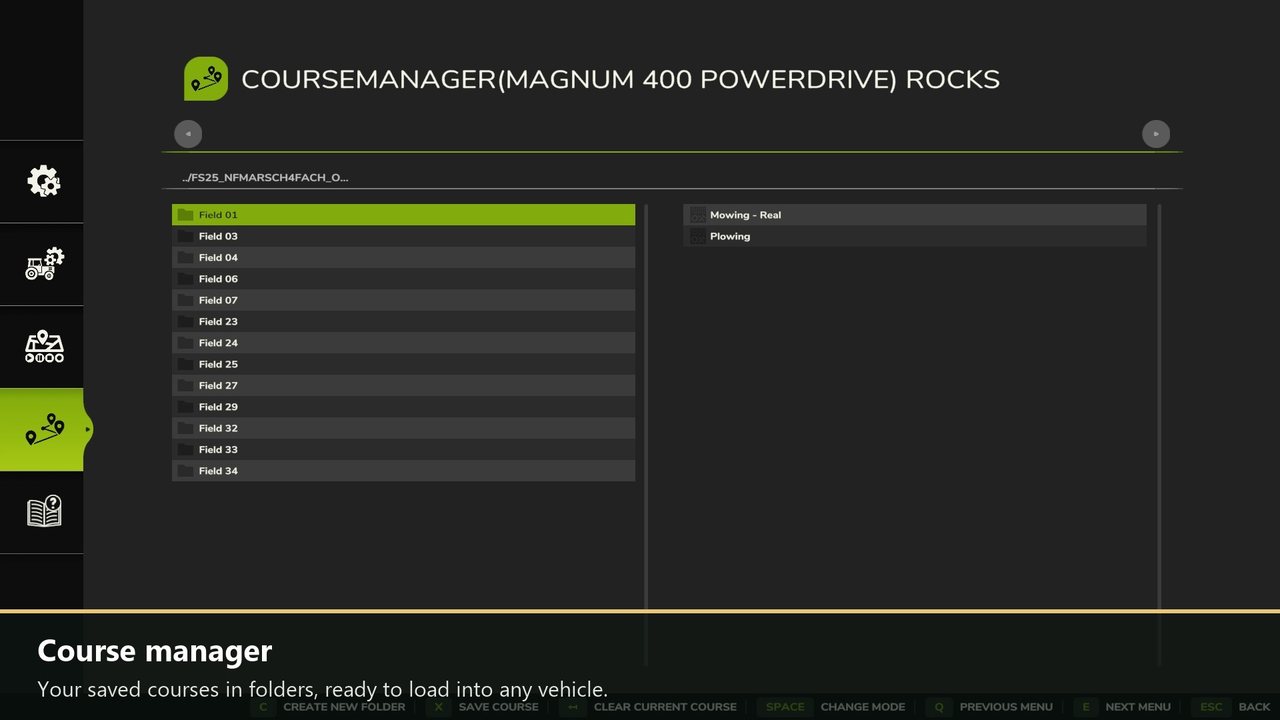
  • Saved tab: load and save courses. The courses on the field you stand on come first, from any folder, with the ones made for your implement's work width before the others. Each course shows its field and width.
  • Fleet tab: every Courseplay and AutoDrive vehicle on the farm with status, progress, finish time, distance, main tank and fuel. Click a row to enter the vehicle, or its Course button to see that vehicle's course and progress on your own panel.
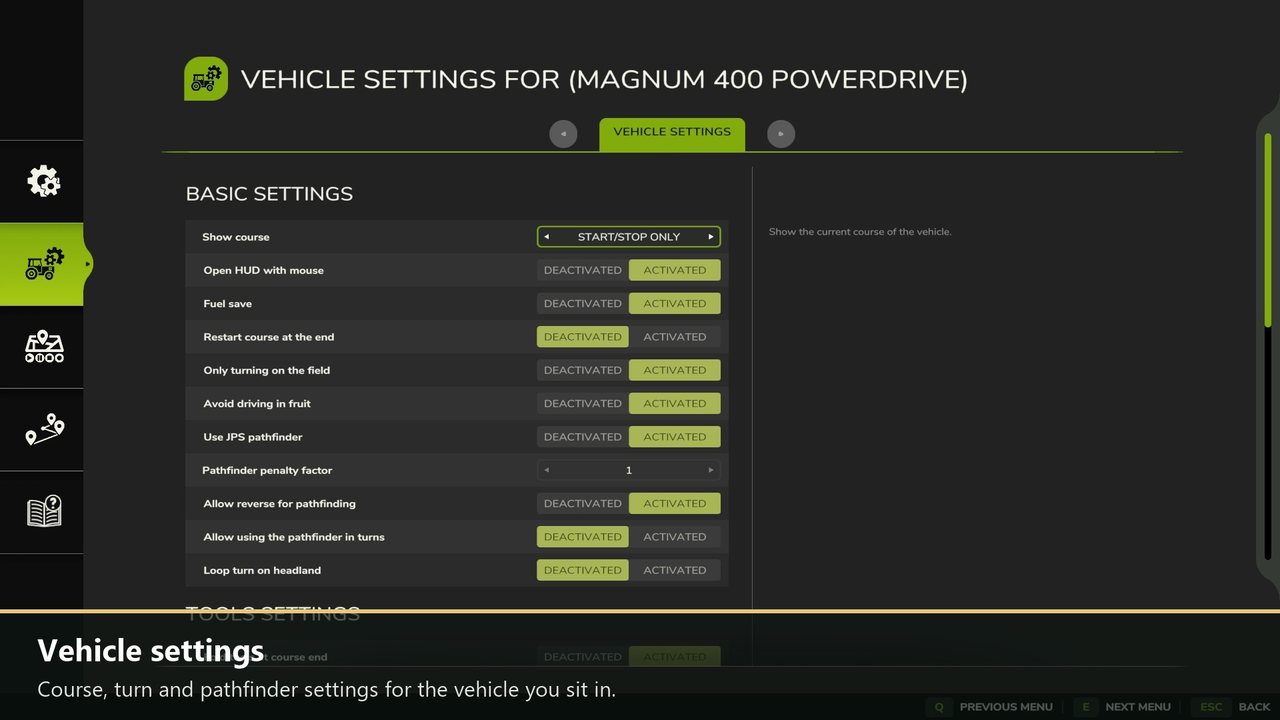
  • Settings tab: the vehicle's Courseplay settings.
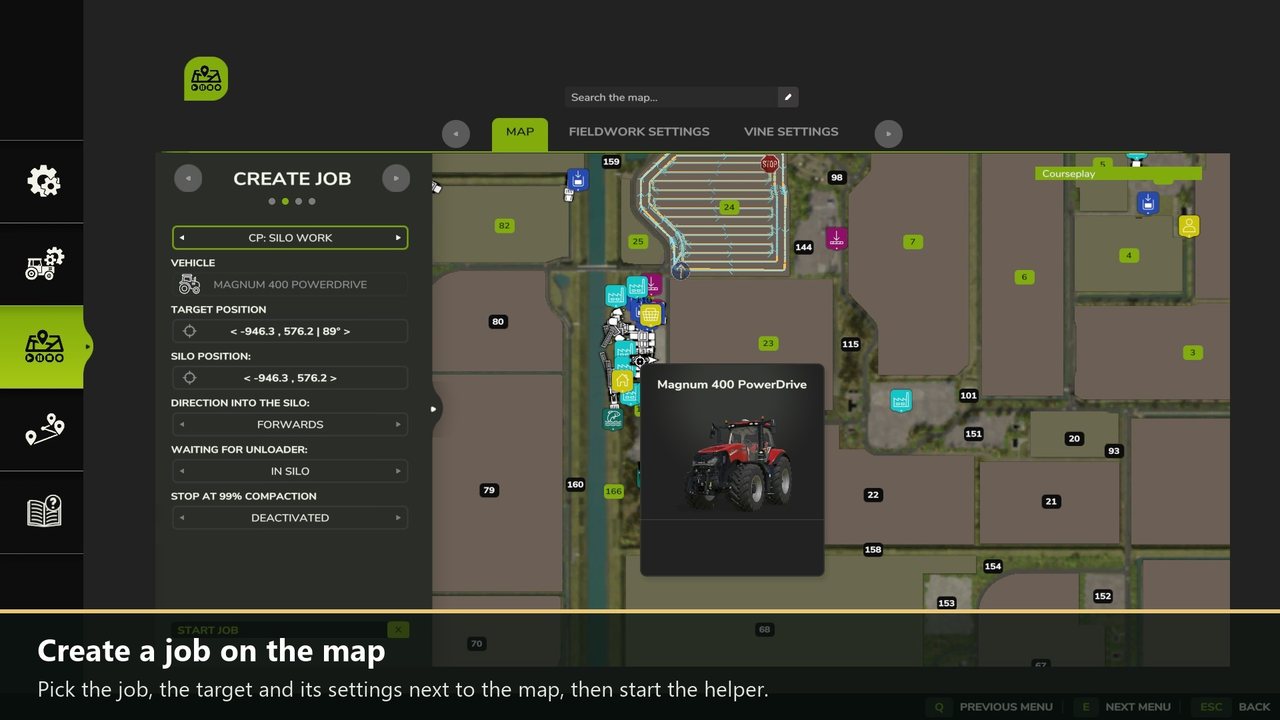
  • Minimized panel: small map, status, Start/Stop, Clear, "Make course" / "New course" and "Positions on map".
  • Map arrows are clickable (you enter that vehicle) and show the vehicle's name on hover.

Combines and unloaders

  • Call truck on a combine lists the farm's free trucks, nearest first, and starts one as unloader, with an AutoDrive leg when it is far away.
  • On the truck's panel you see the combine's course, progress and position. Go to combine sends a truck that is away from the field there with AutoDrive and starts the Courseplay unloader when it arrives.
  • Harvesters never unload into another harvester. Two beet harvesters side by side used to wait on each other for good.

Drive through what blocks the helper

A global setting, on by default. A helper that a vehicle or an object has held up for 10 seconds, while that obstacle does not move itself, stops colliding with it and drives through until it is clear. That gets two harvesters, or a helper and a parked machine, out of a deadlock. A helper whose unloading pipe has caught on a tree, a building or a vehicle beside it drives the pipe through it. The terrain is never driven through.

Also in this edition

  • Course generator: a Row overlap setting (0 to 20 %) so neighbouring rows in the middle of the field overlap a little and a slight drift leaves no unworked strips.
  • Multiplayer: maps and statuses work on clients that never ran field detection.

Switching the panel on

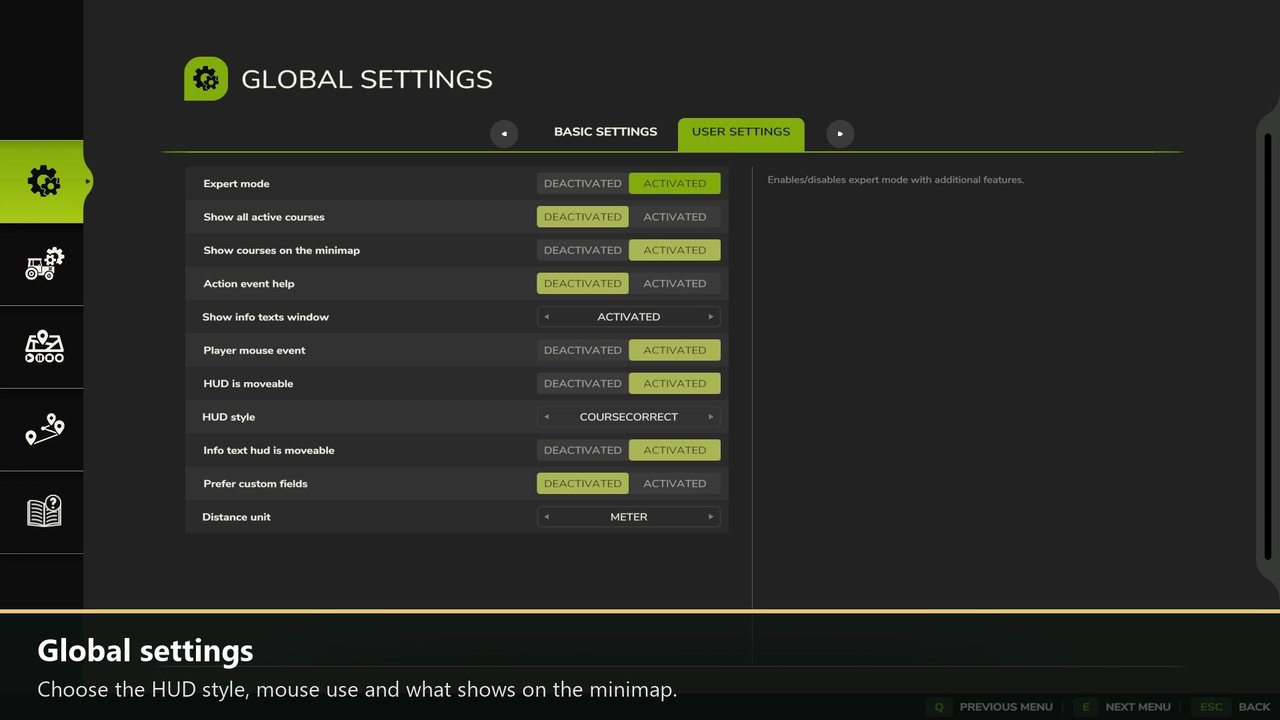
In Courseplay's menu, go to Settings > Global and set HUD style to CourseCorrect. Set it to Classic to get the old HUD back.

What Courseplay does

  • Fully customizable course generation and editing
  • Several vehicles working together on the same field
  • Automated harvesting and unloading, and harvester self-unload
  • Bale collection and wrapping
  • Vineyards and specialty crops
  • Picking up heaps on the field or emptying bunker silos with loaders or shovels
  • Bunker silo push and compaction

What this edition adds

Compared with the original: Courseplay 8.1.0.3 by the Courseplay dev team.

OriginalThis edition
CourseCorrect panel in place of the Courseplay HUDTabs for the course, saved courses, the fleet and the settings.NoYes
The course on a live map, with progress, time left and finish timeThe original HUD shows the time left.PartlyYes
Fleet tab: every Courseplay and AutoDrive vehicle on the farmStatus, progress, finish time, main tank and fuel; click a row to enter the vehicle.NoYes
Call truck and Go to combine: send an unloader to the combineThe drive to the field uses AutoDrive and needs AutoDrive Overdrive.NoYes
Saved tab: courses for your field and work width come firstThe original loads and saves courses in its course manager.PartlyYes
Drive through what blocks the helperA helper held up for 10 seconds drives through; on by default, you can switch it off.NoYes
Harvesters never unload into another harvesterTwo beet harvesters side by side used to wait on each other for good.NoYes
Course generator: row overlap and automatic headlands by widthThe original sets the number of headlands by hand.PartlyYes
When lifted: implements keep running in turnsA vehicle setting for mowers, forage harvesters and tedders; off by default.NoYes
Courseplay's own fixes made after 8.1.0.3In Courseplay's development version, not yet in a release.PartlyYes
The classic Courseplay HUD is still thereSet HUD style to Classic in the global settings; each player chooses.YesYes
Same file name FS25_Courseplay.zip: your saved courses stayIt replaces the original Courseplay: keep only one of them.YesYes

Questions

Questions and answers

Can I run it next to the original Courseplay?

No. It uses the same file name, FS25_Courseplay.zip, and takes the original's place, so keep only one of them in your mods folder. Your saved courses stay where Courseplay always keeps them, in modSettings/FS25_Courseplay/Courses.

Do Go to combine and Call truck work with the original AutoDrive?

Not the AutoDrive part. Sending a truck to the field uses a send-to event that only AutoDrive Overdrive has. With the original AutoDrive, drive the truck to the field first: Call truck then starts it there as unloader.

What happens when I press Start away from the field?

With AutoDrive Overdrive, AutoDrive first drives the vehicle to an AutoDrive marker at that field, within 400 m of the course start. A marker with the field's number in its name comes first, then one at the field's edge. The On arrival switch next to Start at decides whether the course starts there or the vehicle waits. If there is no such marker, the course starts from where the vehicle stands.

Call truck says the truck has no AutoDrive marker near this field. What now?

Put an AutoDrive marker at that field, within 400 m of the combine's course start. Naming it with the field number helps. Or drive the truck to the field yourself: a truck that is already there starts as unloader right away.

Can I switch off driving through obstacles?

Yes. In Courseplay's settings under Global, switch off Drive through what blocks the helper. It is on by default and saved with the savegame.

Is the time left in game time or real time?

The time left is real time, as Courseplay counts it. The finish time next to it is the in-game clock, so it follows the game's time scale.

Can I give a course to another vehicle?

Yes. Press Copy on the Course tab, get into a vehicle without a course and press Paste with the course's name. You can also save the course and load it on the Saved tab.

Does everyone on the server get the panel?

Each player chooses for themselves. HUD style is a personal setting kept in your own game settings, and it starts as CourseCorrect.

Downloads

How often it's downloaded

Per version

Downloads of each version on GitHub, newest first. A version counts until the next one comes out, so older ones had longer.

  1. v8.1.0.3-cc.742
  2. v8.1.0.3-cc.63
  3. v8.1.0.3-cc.510
  4. v8.1.0.3-cc.44
  5. v8.1.0.3-cc.34
  6. v8.1.0.3-cc.14
  7. v8.1.0.36

What changed

Version history

Follow this mod's updates (RSS)

v8.1.0.3-cc.7
  • The author now shows as DTM Mods, Fennell in the mod list, with credit to the Courseplay.devTeam, who made the original mod.
v8.1.0.3-cc.6
  • Unloading pipe caught on something: a helper that stands still for 10 seconds although it wants to drive, with nothing in front of its sensors and the pipe out, has hooked the pipe on a tree, a building or a vehicle beside it, where no sensor looks. The pipe's collision parts then pass through all of those (never the terrain) until the helper has driven its own length on.
  • Drive through what blocks the helper now changes every collision part of the vehicles (the parts under the components, the pipe arms among them), not only the components themselves, which on most vehicles carry no collision of their own.
v8.1.0.3-cc.5
  • Clear (forget the course) is there whenever Courseplay itself is not driving the course: also while AutoDrive or another helper drives the vehicle. It asks first, in the map's place.
  • Minimized panel: Clear on the map (or next to Show map when the map is hidden) and New course next to Start, as the full panel has them.
v8.1.0.3-cc.4
  • Harvesters never take another harvester for a trailer. Two beet harvesters working side by side each saw the other one's bunker as something to unload into, opened the pipe over it and waited for the unloading to finish, so both stood still for good. The pipe controller skips harvesters in its trigger, and a Courseplay-driven harvester's discharge ignores a harvester under the pipe.
  • Drive through what blocks the helper (new global setting, on by default): a helper that the proximity sensor has held up for 10 seconds, while the obstacle itself does not move, stops colliding with that kind of obstacle (vehicles, bales, trees, static objects, never the terrain) and drives through it until it is clear, then becomes solid again. Both vehicles of a deadlock do this, so they pass through each other. Server side only, like all helper logic.
v8.1.0.3-cc.3
  • Saved tab: the courses on the field the vehicle stands on are listed first, from any folder, with the ones made for the implement's work width before the others. Course rows show the course's field and work width (warning colour when the implement's differs), and Load / Go say so when the width does not match. The course files are read a few per frame, so the panel never stalls.
v8.1.0.3-cc.1

First build with its own version number. Courseplay 8.1.0.3 plus upstream main as of 2026-11-01 (fuel-save motor restart, bunker silo race fix, pathfinder and course display fixes, DLC seeder configuration, BR/PT/CZ/RU/UK translations), with the CourseCorrect panel:

  • Course, Saved, Fleet and Settings tabs; minimized panel with map, Start/Stop, Make course and Positions on map
  • Unloaders see the combine's course, progress and position; Go to combine (AutoDrive leg, unloader starts on arrival); Call truck from the combine
  • Clickable map arrows with name tooltip
  • Row overlap course generator setting; new courses start at the first waypoint
  • Fix: the panel no longer holds the keyboard (Tab, E) while the mouse cursor is shown but not over it
  • The version shows next to the panel title
v8.1.0.3
  • MP fix when starting a helper with an implements that is already unfolded.
  • Several bugfixes.