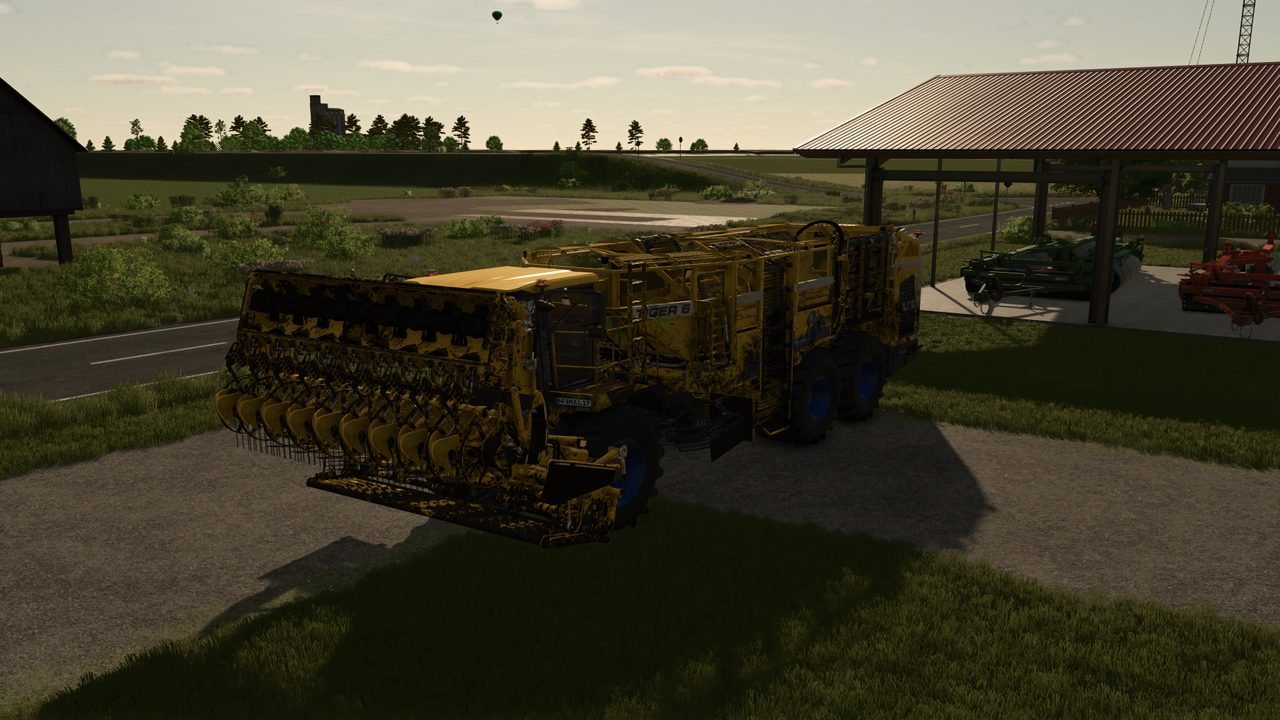
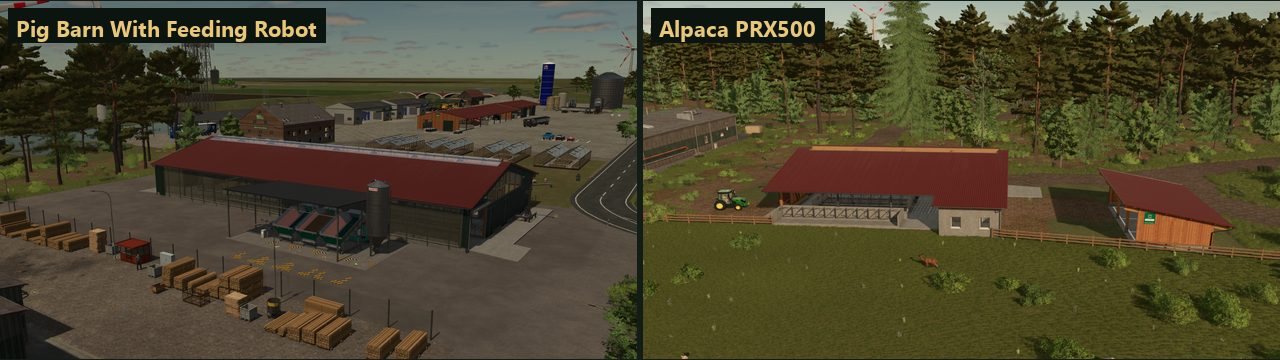
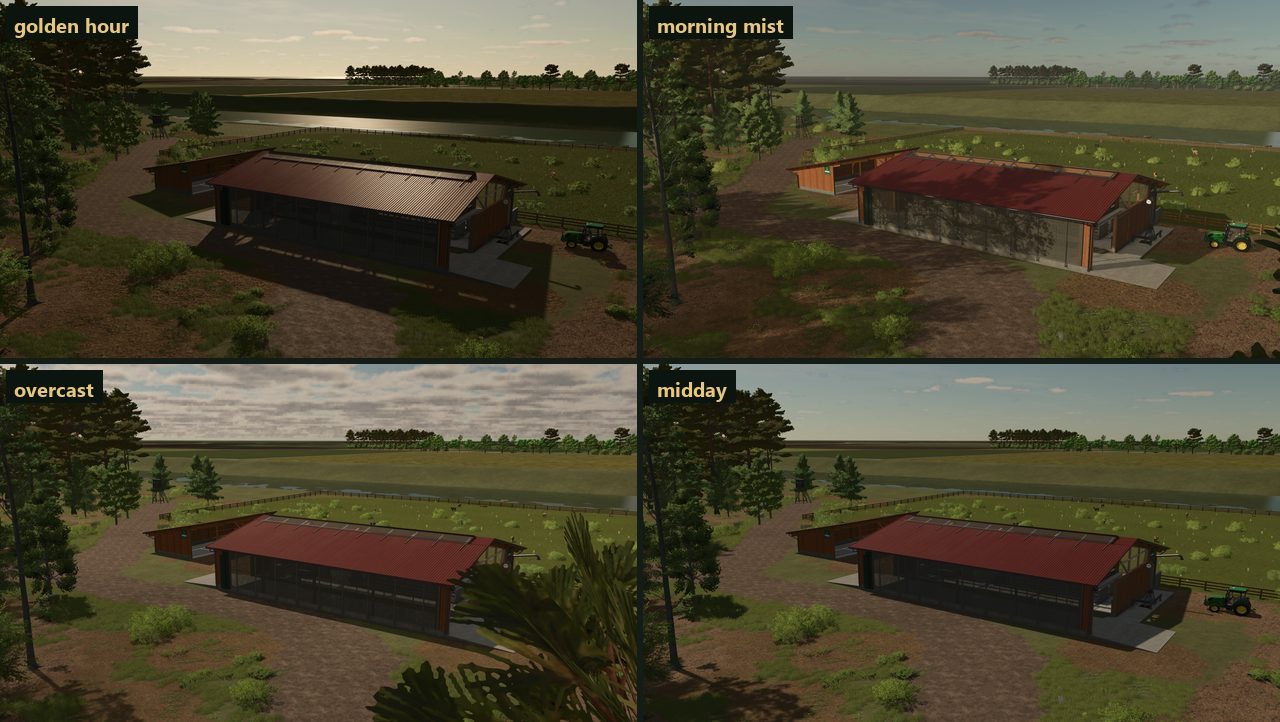
DTM Screenshot Studio is a tool for modders. You park your machine or building somewhere nice, press a key, and the game takes the screenshots for the GIANTS ModHub and your mod's web page: framed by itself, without the HUD, at 1920x1080 where the game allows it.
It is single player only. The mod switches itself off in multiplayer, and it never goes on a server or the ModHub. A second download, ScreenshotStudio_Tools.zip, helps you pick, caption and check the pictures afterwards.
Six keys
- Right Ctrl + 1: clean shot of the current view, without HUD.
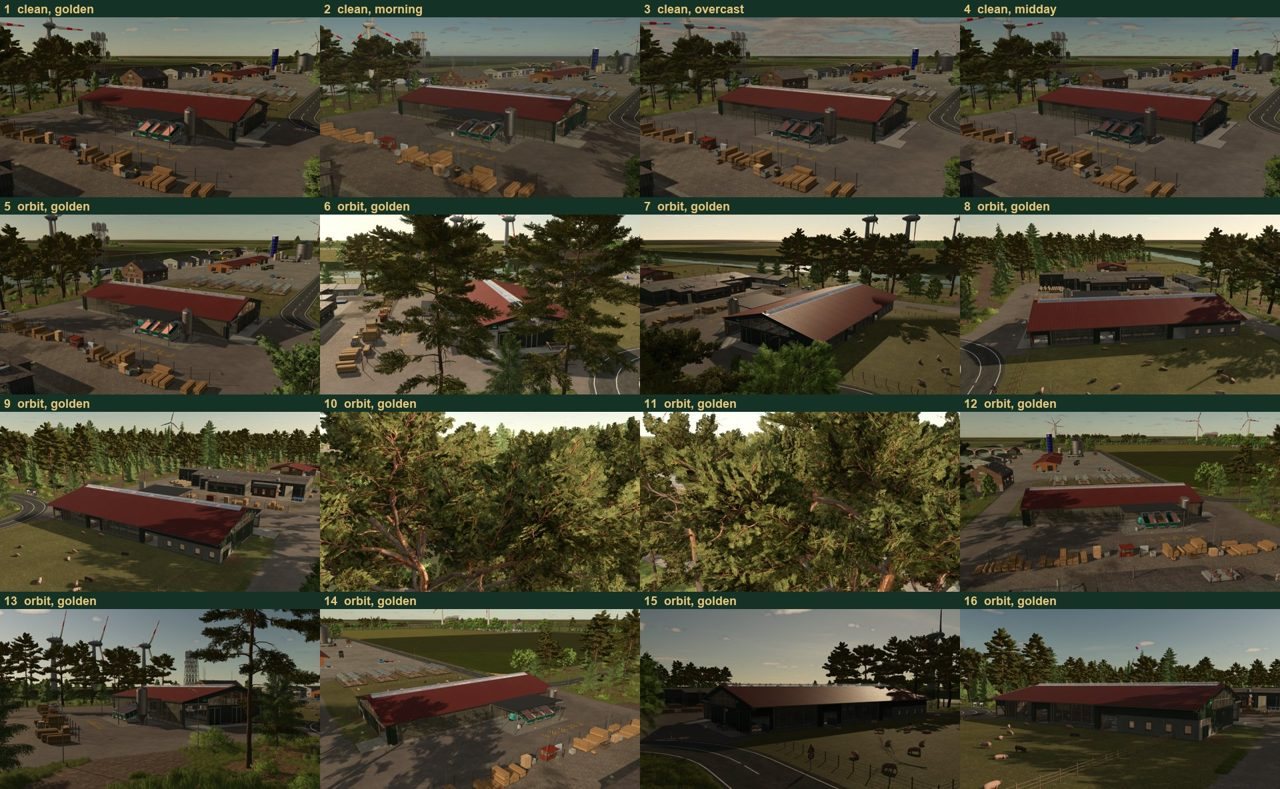
- Right Ctrl + 2: orbit. 12 shots from all around the vehicle you sit in (with everything attached), or the nearest building when you're on foot: 8 in a ring and 4 low three-quarter views.
- Right Ctrl + 3: UI shot. Waits 5 seconds while you open a menu, then saves the screen with the menu on it.
- Right Ctrl + 4: light. Golden hour (18:30), morning mist (07:15), midday sun (12:30) and overcast (13:00); one more press brings the old time back, on the same day so crops don't grow.
- Right Ctrl + 5: burst. A clean shot every 3 seconds for a minute while you drive into work; press again to stop.
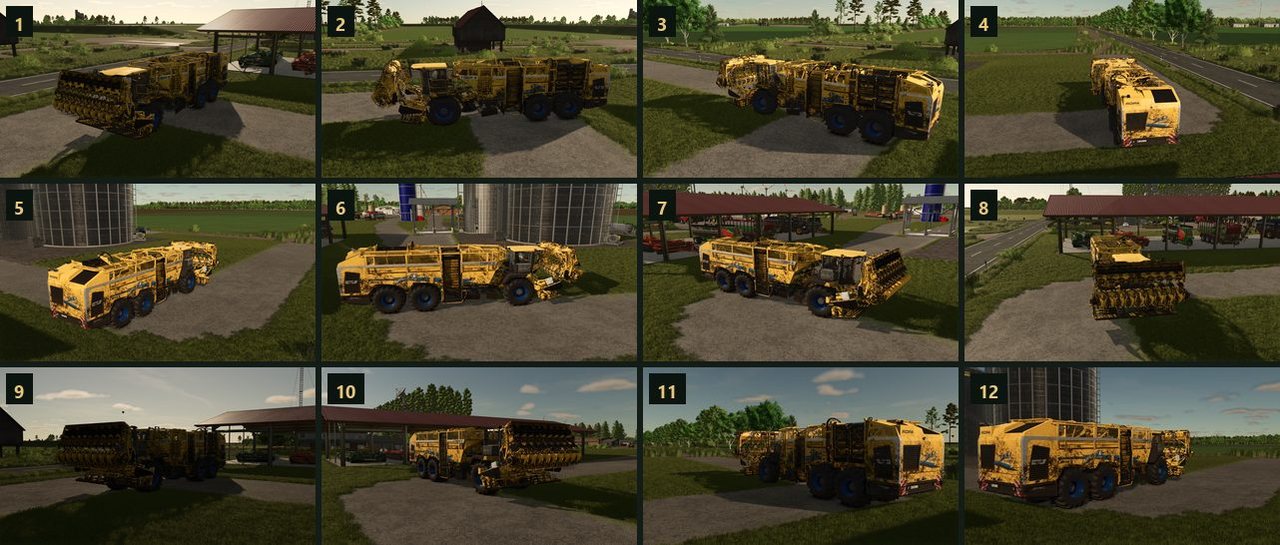
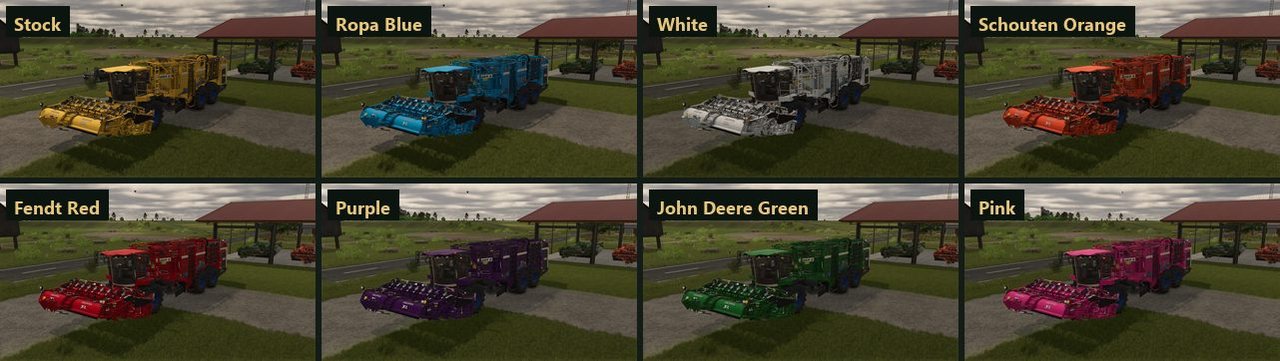
- Right Ctrl + 6: every color. The vehicle once in each shop color, from the same framed view. Your own vehicle doesn't change.
From the game to the ModHub
- Load a single-player save, put the machine somewhere nice and press Right Ctrl + 4 for golden hour (again for the other lights).
- Sit in it and press Right Ctrl + 2. Hands off for about 15 seconds while the camera goes round.
- Press Right Ctrl + 5 and drive into work: the burst gives you the in-action shot ModHub wants. For a script mod, open the mod's screen and use Right Ctrl + 3.
- For your web page, set up a nice view and press Right Ctrl + 6 for the same view in every color.
- The pictures go to
modSettings/FS25_ScreenshotStudio/<mod name>/, in a folder named after the mod of what you photograph. The keys can be changed in Options > Controls.
Framing and clean pictures
The mod moves its own camera so the whole machine fills 85% of the picture, unfolded work areas and parts included. Buildings are framed by their placement area.
- Before each view it checks 27 points of the machine for walls, poles, cars and tree crowns in the way, and tries another angle if something blocks it.
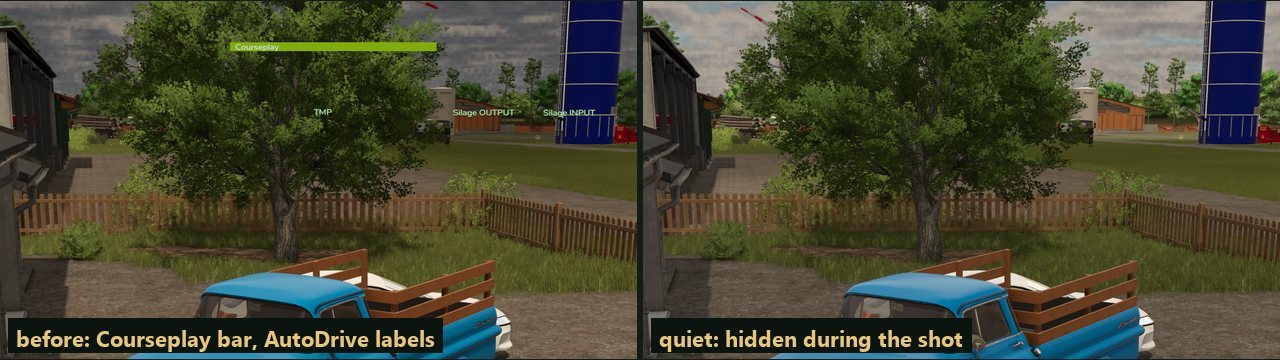
- What other mods draw on the screen, like Courseplay's bar and AutoDrive's lines and labels, is hidden during the shots and comes back afterwards.
ssQuiet offleaves it in. - The game's hint boxes stay out too:
ssEnteralso starts the engine, so "Please start the engine first" doesn't come up.
Every color and every light
- Every color loads a copy of the vehicle for each color option, takes its picture and deletes it; at the end your vehicle is shown again, unchanged. At most 60 colors.
- What's hitched to it changes color with it: the header on a beet harvester, the trailer on a tractor.
ssColors rimColorpicks another color option; a wrong name lists the options the vehicle has.- Morning mist uses the game's own fog, and overcast sets the weather to cloudy. In winter evenings come earlier:
ssLight golden 16.5moves golden hour.
Targets, moving and menus
Console commands for when the machine isn't where you need it, or when the pictures are menus.
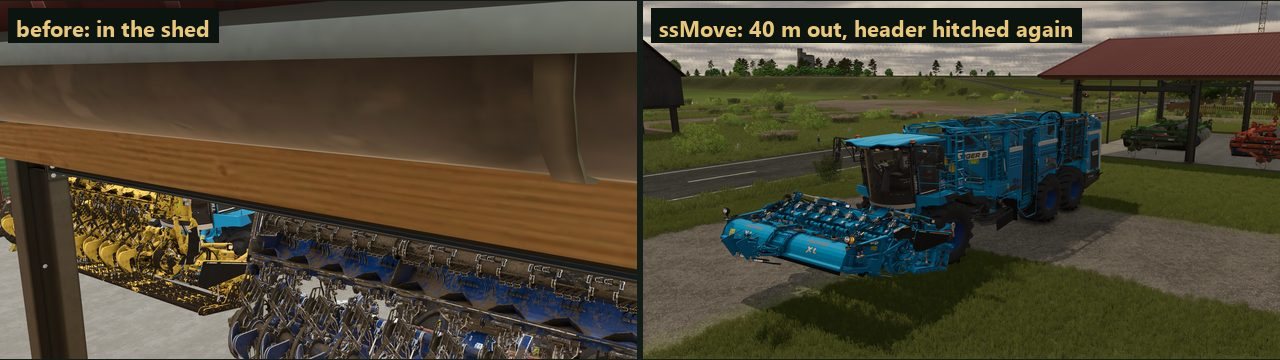
ssTarget <name>photographs any vehicle, implement or building by part of its name, wherever it stands;ssListshows what's within 150 m.ssEntergets you into the target or the nearest vehicle, outside camera.ssMovetakes the machine with everything hitched to it to a flat, open place, andssMove backputs it back exactly where it was.ssSpotsaves your own spot for the map.ssMenu,ssTab,ssTypeandssClickopen a screen or in-game menu page, switch its tabs, type into its search box and press its buttons, so a UI shot has something in it.
After the game
The tools in ScreenshotStudio_Tools.zip need Python 3 with Pillow. Unzip them anywhere and run them from that folder.
- A numbered contact sheet of what you took, with labels like orbit, golden or color Red.
- Pick the best pictures into your repo's
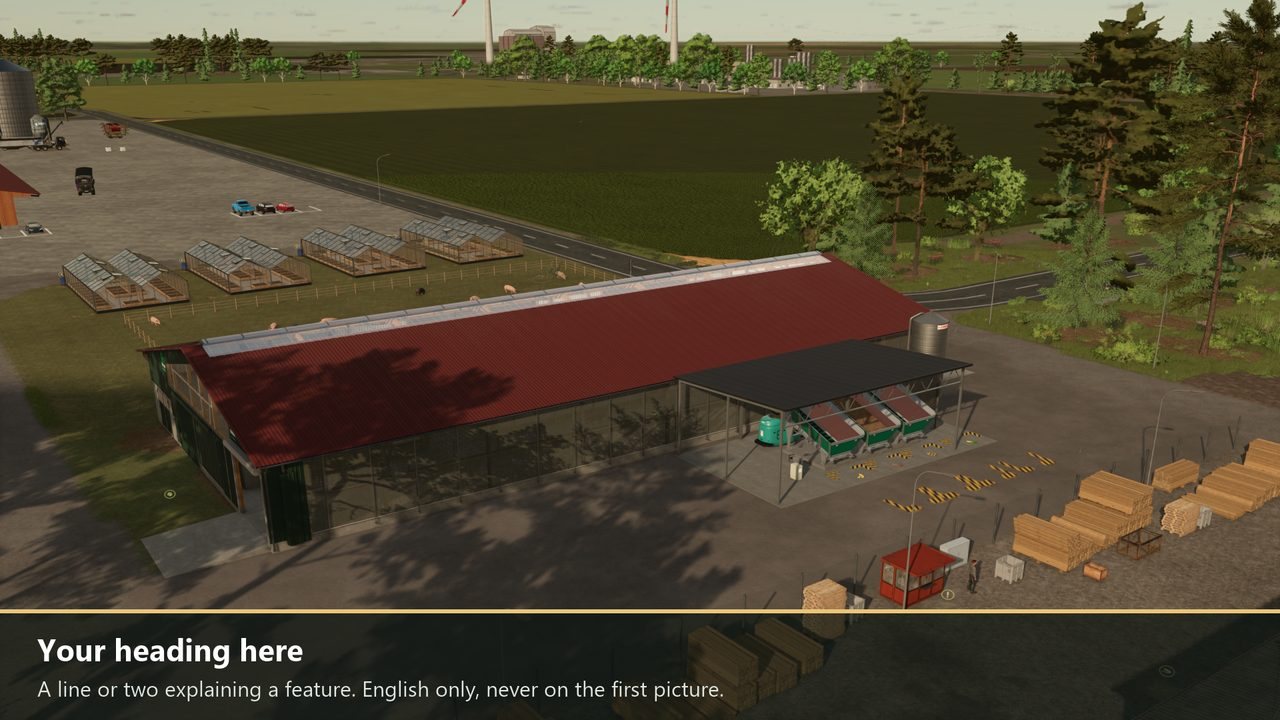
screenshots/folder as1.jpg,2.jpgand so on, the first one being the clean hero shot. - Add captions in a dark band at the bottom; the tool keeps the untouched picture and refuses captions that break the ModHub rules.
- Check the ModHub rules: at least 3 pictures, 1920x1080, no HUD or text on the first one, one in a real work environment.
- A runner that starts the game with a save, takes a whole plan of pictures by itself and quits again.